First Wave of ChatGPT Apps: Top 10 Picks Beyond Email and Chat


So, ChatGPT has launched a new feature - Apps in ChatGPT. Let’s look at the very first apps that appeared in the catalog. Right now, the catalog mostly features large, well-known products and “obvious” integrations, like email, enterprise task trackers, and customer support platforms.
New to Apps? Start with this quick primer: ChatGPT Apps Are Here: What to Know.
In this article, we picked 10 practical apps from this first wave that can be genuinely useful in real work scenarios today.
Hex - data Q&A and quick analysis
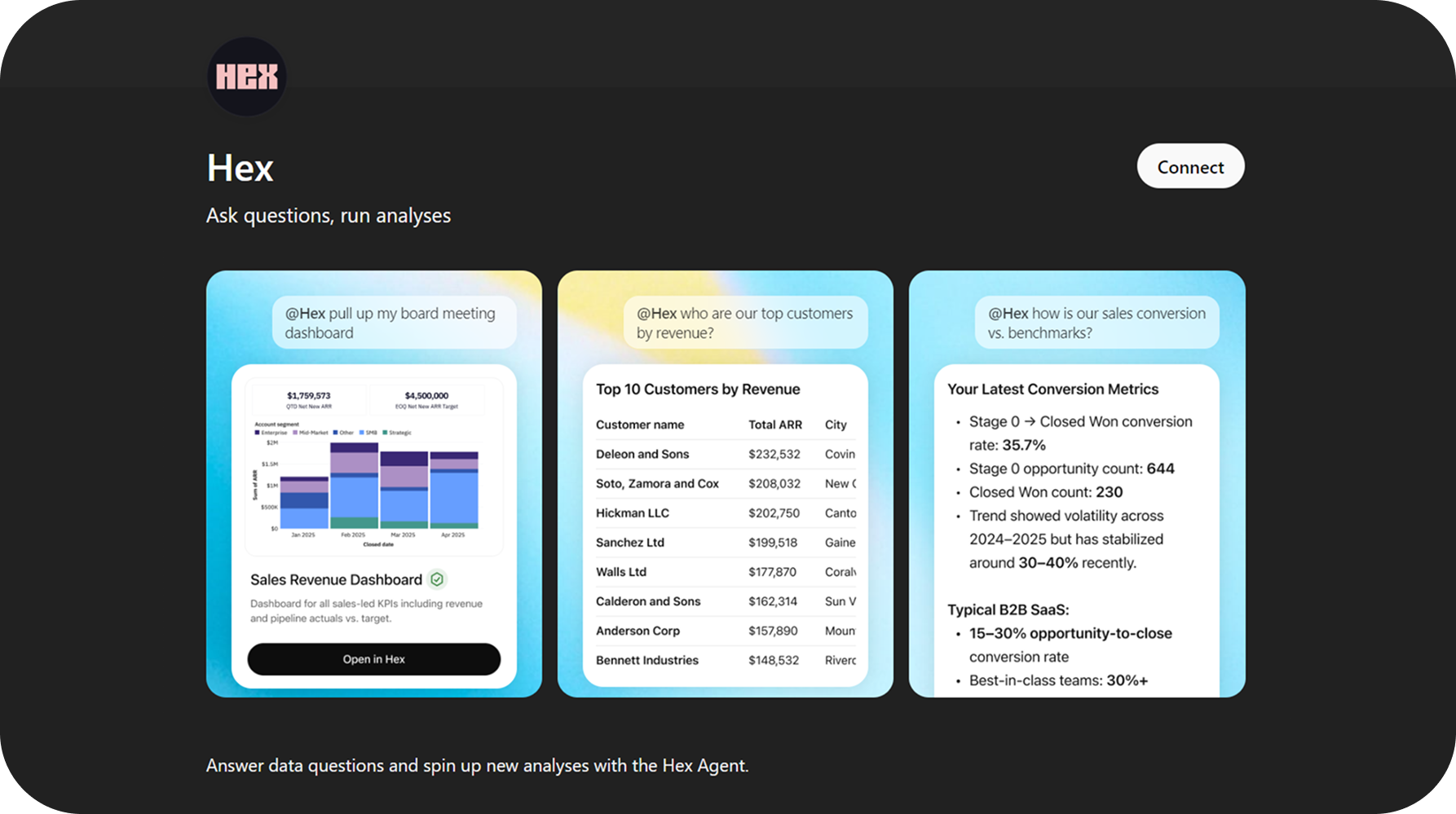
Hex lets you ask questions about your company data in plain English and get answers fast. Inside ChatGPT, you can pull up the right dashboard for a meeting, list your top customers by revenue, or check key sales numbers without digging through menus.
It is also useful for quick checks and comparisons. For example, you can ask how your conversion rate looks, what changed this quarter, or where performance is off, then jump to Hex to see the full details if you need them.
Conductor - track brand visibility in AI
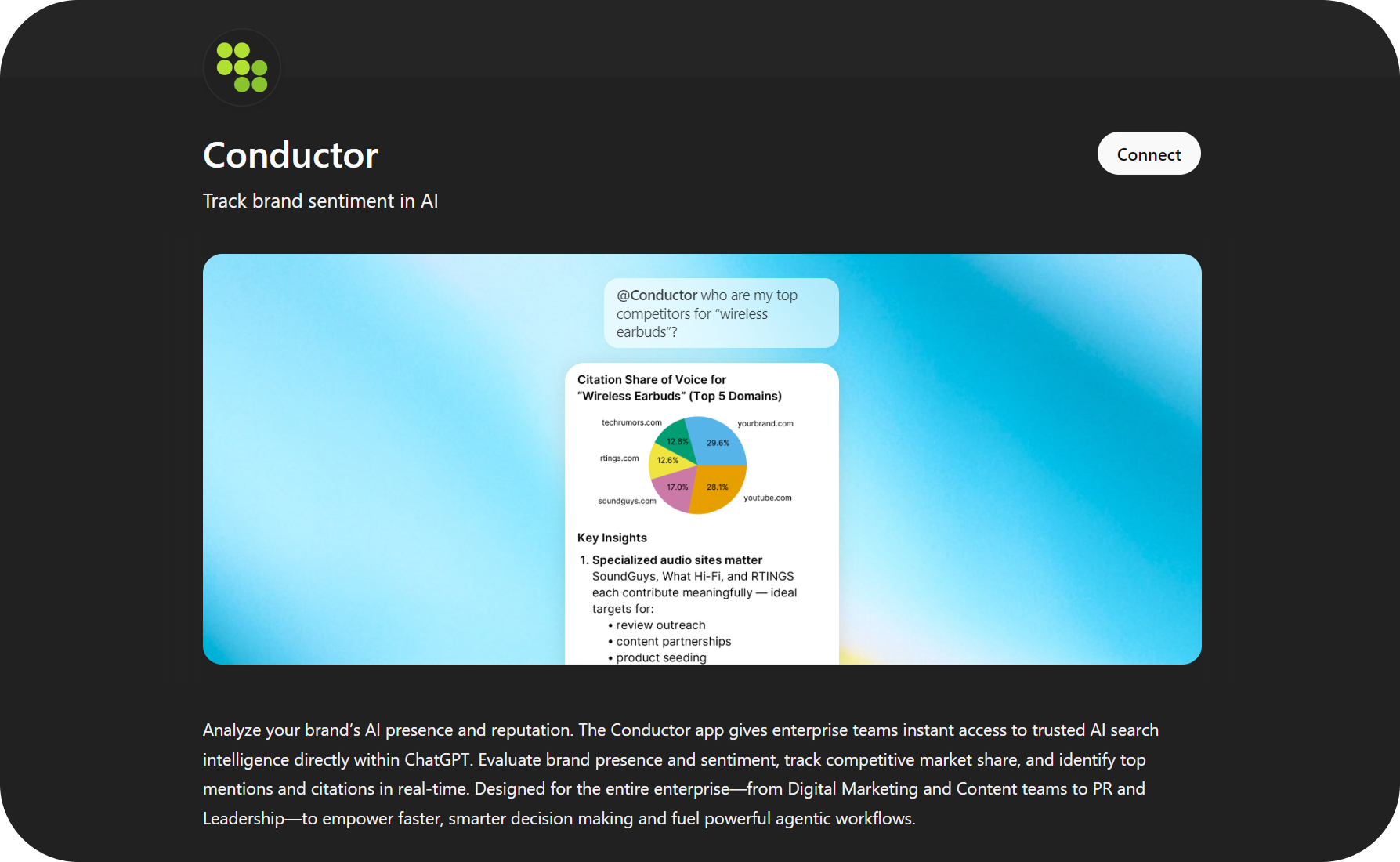
Conductor helps you see how your brand shows up in AI answers and which sources drive those mentions. You can ask simple questions like who your main competitors are for a topic and get a quick view of share of voice and key sources.
It is most useful for marketing and SEO work: spotting gaps in coverage, finding sites that influence AI citations, and tracking changes over time so you know what to improve next.
Daloopa - financial KPIs with sources
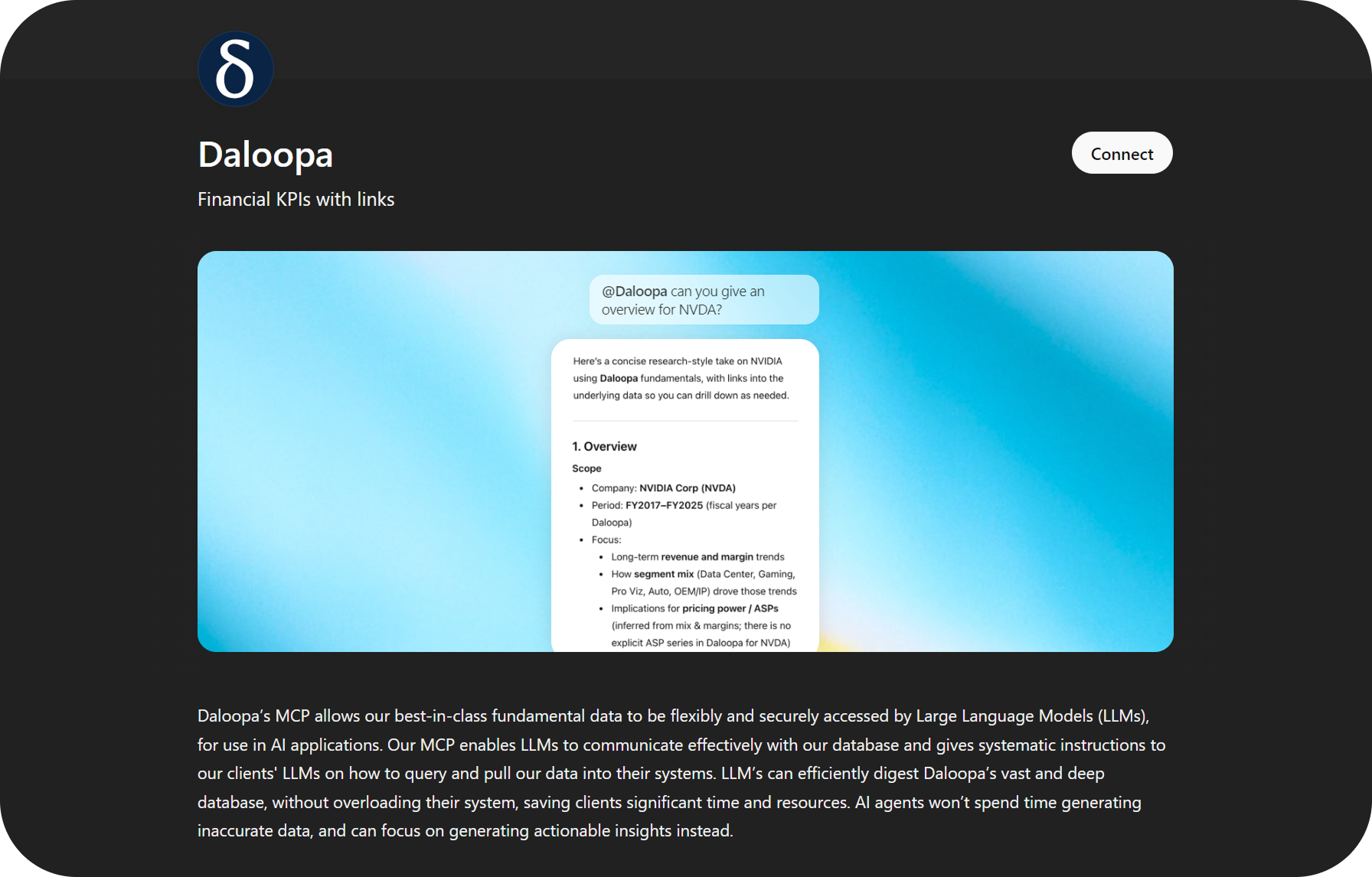
Daloopa is useful when you need a fast, reliable overview of a company with the key numbers attached. You can ask for an overview of a public company and get a clean summary of the main financial KPIs, with links back to the underlying sources.
It works well for quick research, investment notes, and leadership briefs, because you can pull the numbers, check where they come from, and then ask follow-up questions without rebuilding the analysis from scratch.
PitchBook - private market research
PitchBook is for quick, factual research on private markets. You can pull structured info on companies, investors, funds, deals, and key people, then use it to answer questions like “who owns this company,” “what rounds did they raise,” or “which funds invest in this space.”
It is most useful when you need a fast briefing or a clean dataset for analysis. Instead of collecting details across multiple pages, you can ask for the exact fields you need and build a simple comparison list in a few prompts.
LSEG - market data and analysis
LSEG is the app you use when you need reliable market data in one place. You can pull company fundamentals, analyst estimates, bond and FX data, and key macro indicators, then ask follow-up questions in plain language without switching tools.
It is especially useful for fast prep: a quick company brief, a market snapshot for a meeting, or checking a number before you include it in a report.
Clay - find prospects and contacts
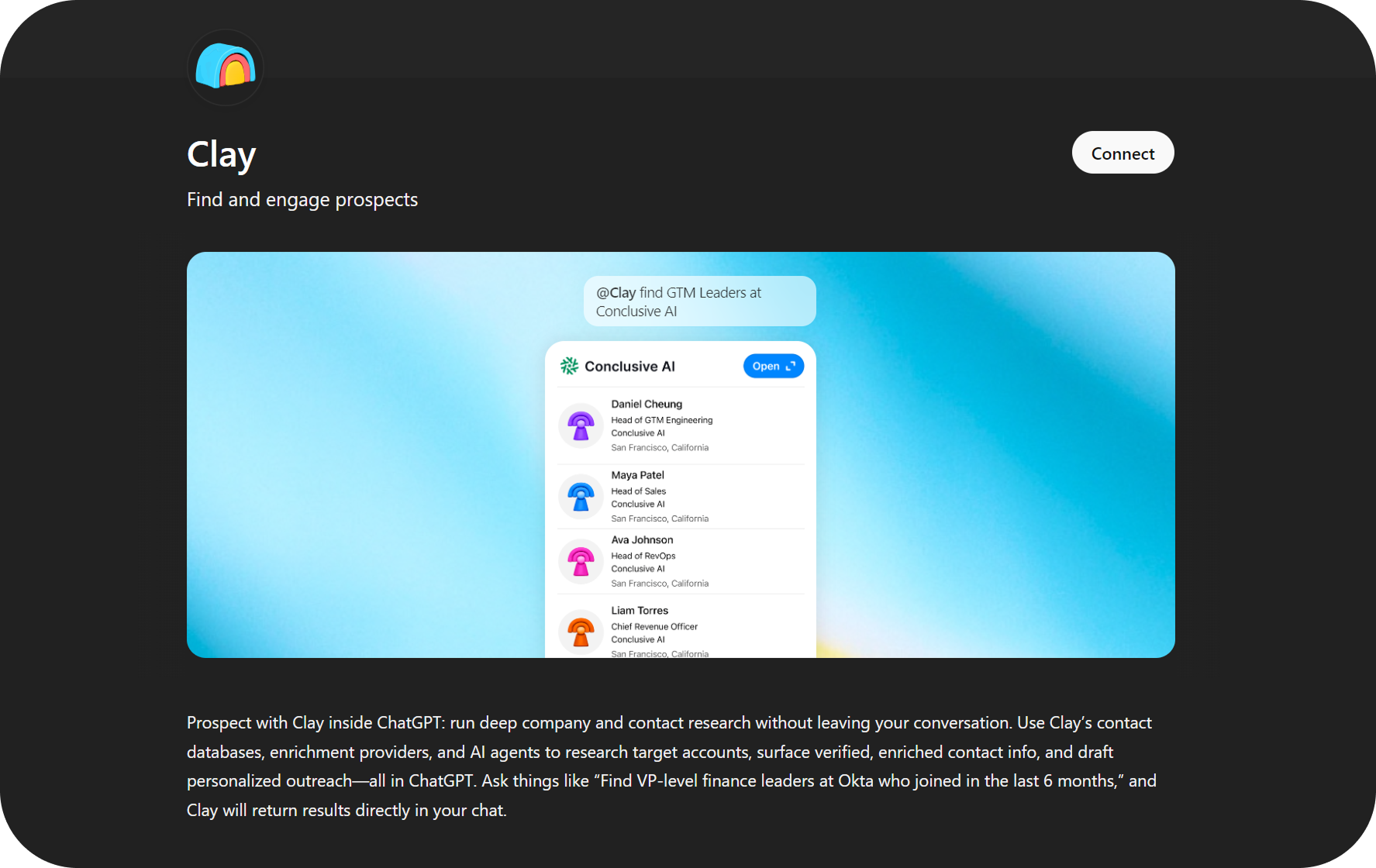
Clay helps you find the right people at a target company without leaving the conversation. You can ask for a list of leaders by role (for example, GTM, Sales, RevOps), and get names and basic context you can use right away.
It is most useful for outbound work: building a clean short list for outreach, checking who to contact, and quickly moving from “target account” to “real people” in a few prompts.
Egnyte - search and understand files
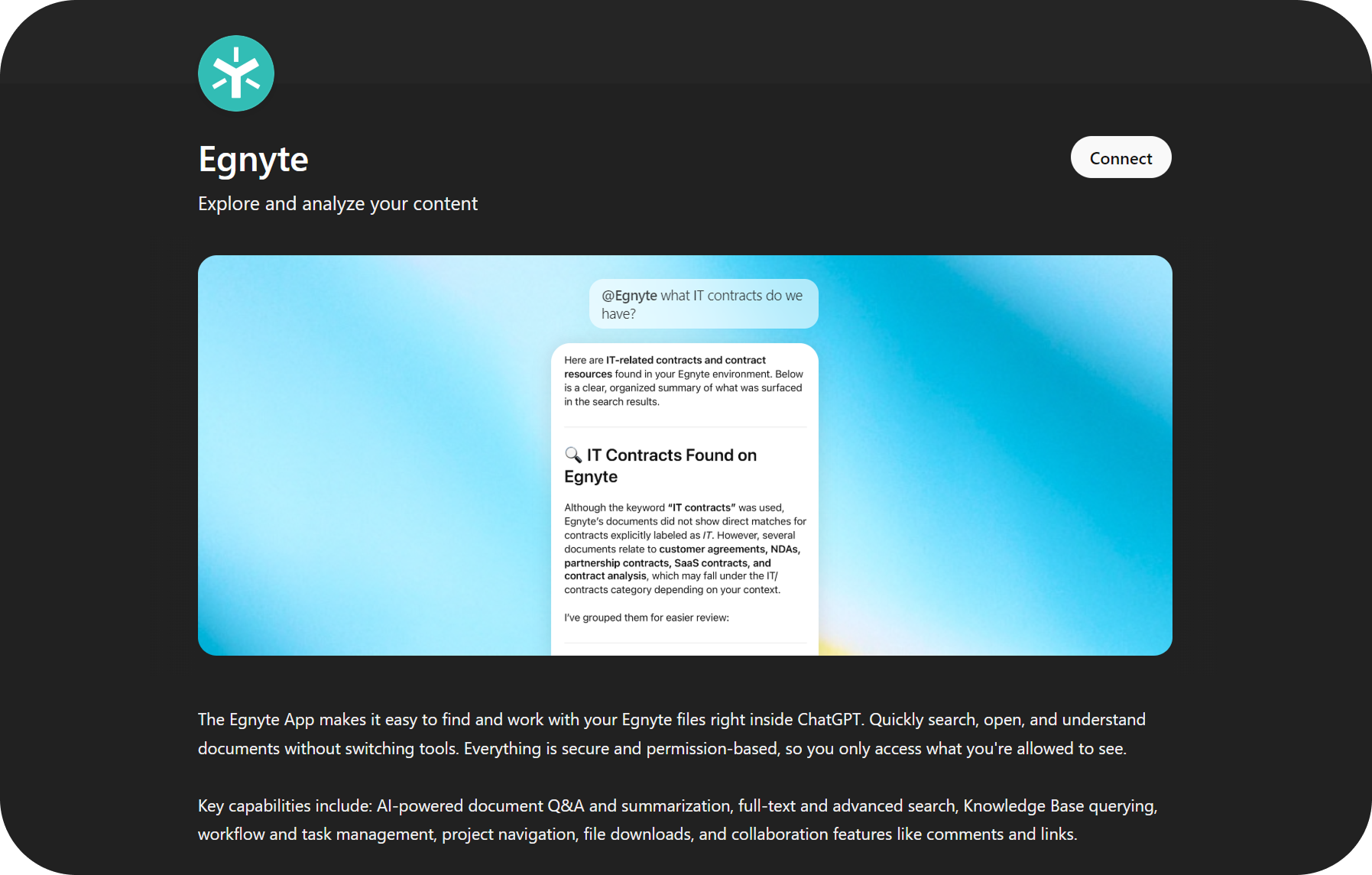
Egnyte is useful when your answers are buried in internal documents. You can ask questions like “what IT contracts do we have?” and it will find relevant files, pull the key points, and give you a clean summary.
It is a practical way to speed up document work: locate the right doc, extract the parts you need, and get quick answers without manual searching.
Airtable - work with structured data
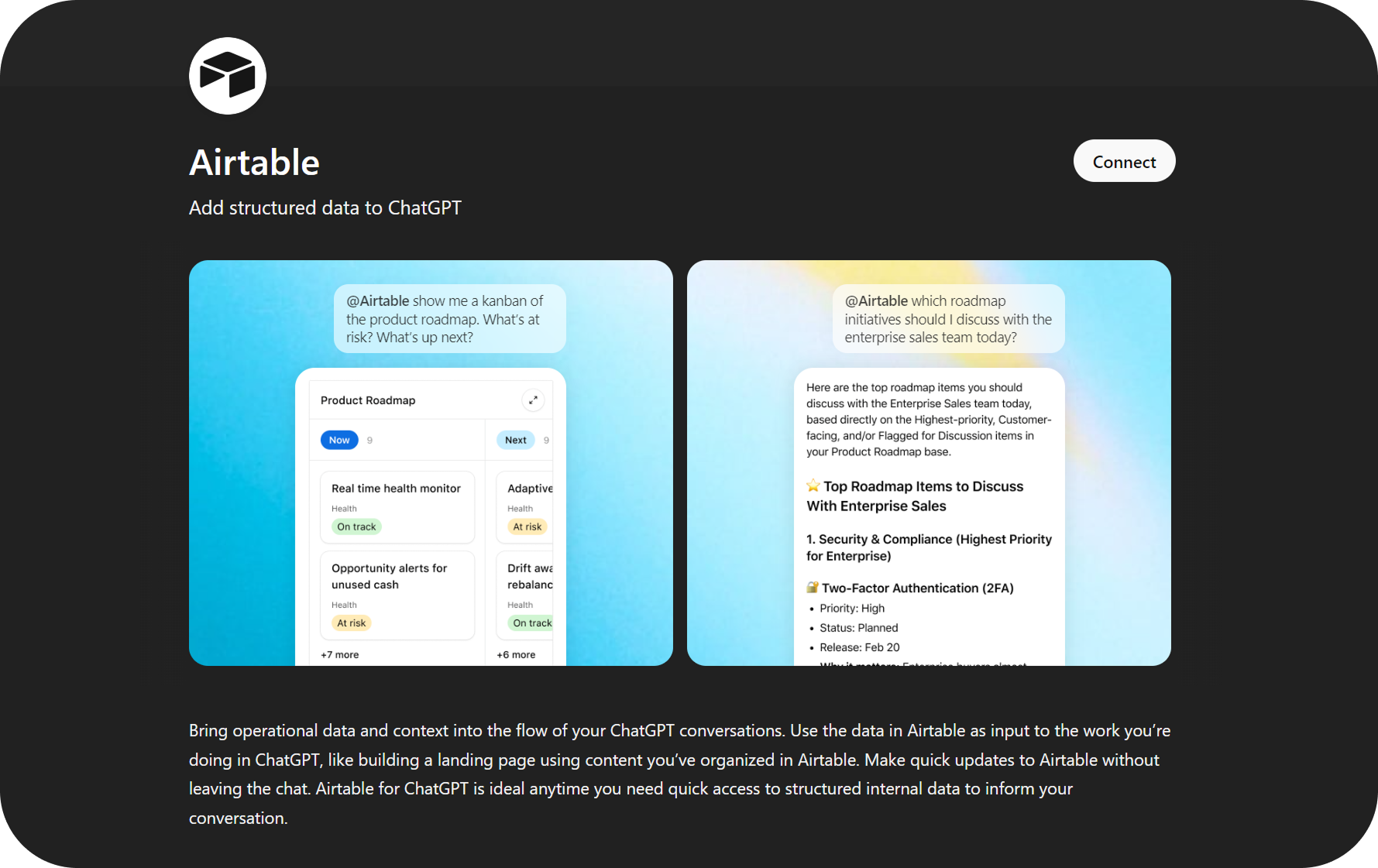
Airtable is useful when your team stores plans, tasks, and lists in tables. You can pull a view like a product roadmap kanban, ask what is at risk, what is next, and get a clear summary based on the rows in your base.
It also helps with quick decision prep. For example, you can ask which roadmap items to discuss with sales today and get a short, prioritized list without manually filtering the table.
Jotform - build forms and review responses
Jotform is useful when you need to create a form quickly and keep everything in one place. You can describe the form in plain words, generate the fields you need, and make edits without opening the form builder.
It is also good for feedback and intake workflows. You can pull recent submissions, summarize common answers, and turn responses into a short report or action list.
Cloudinary - manage and edit media
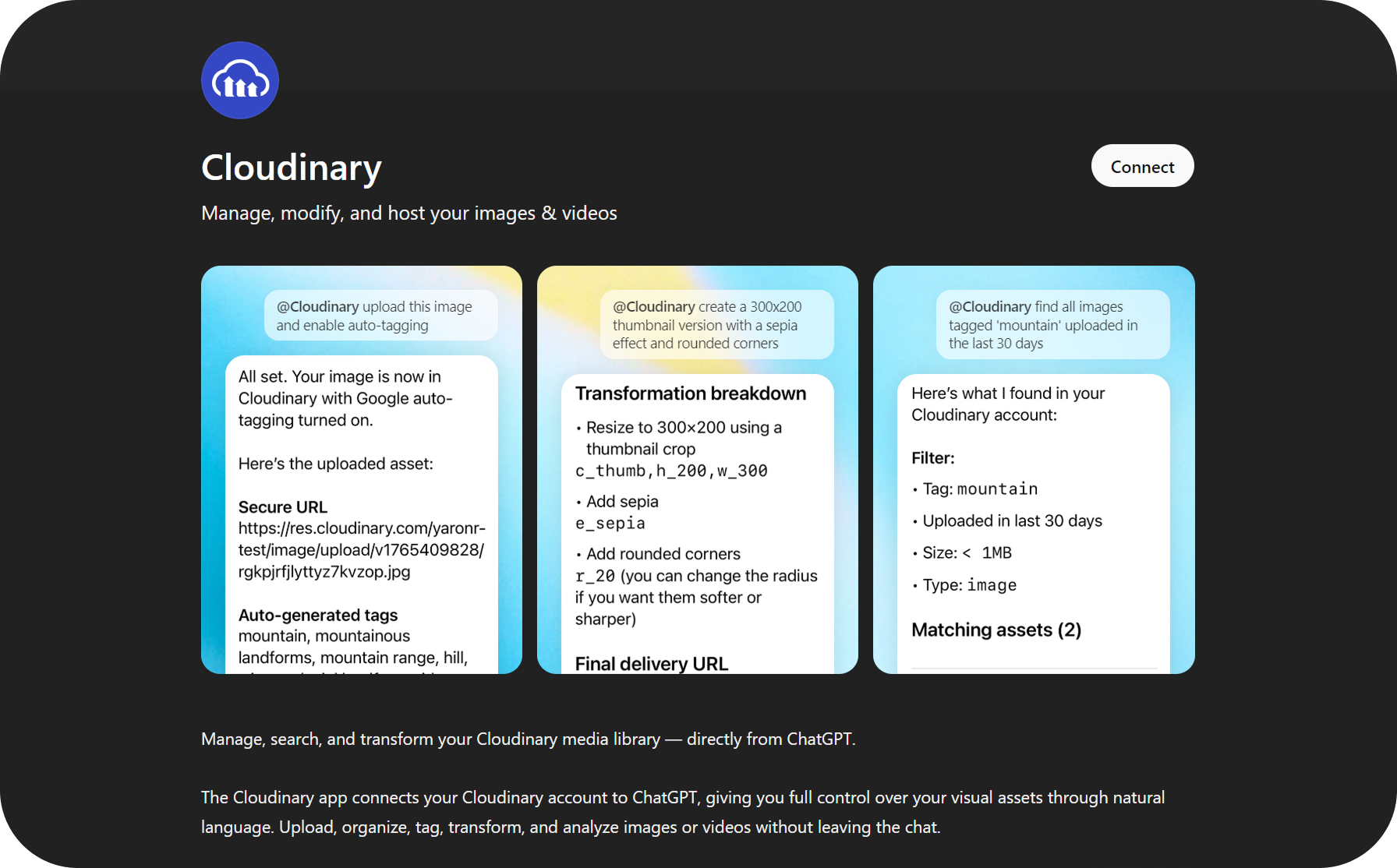
Cloudinary is useful for quick image and video ops without opening a separate tool. You can upload an asset, auto-tag it, and instantly get a shareable URL for delivery or publishing.
It also helps with basic edits and search. For example, you can generate a thumbnail in a specific size, apply a simple effect, add rounded corners, or find all assets with a certain tag uploaded in the last 30 days.
What else is in the catalog
Of course, the catalog already includes many big, familiar apps like Adobe, Gmail, Figma, Google Calendar, Dropbox, Coursera, Vercel, Replit, and more. Those are great starting points if you want the “connect what I already use” experience.
But for this first roundup, we intentionally focused on less obvious picks that unlock new workflows: data and finance research, brand visibility, prospecting, internal file search, structured planning, forms, and media operations. As the app catalog expands, this is where the most interesting practical use cases tend to appear first.