ChatGPT Apps Are Here: What to Know

A Legend Is Born: The Chat-First Internet
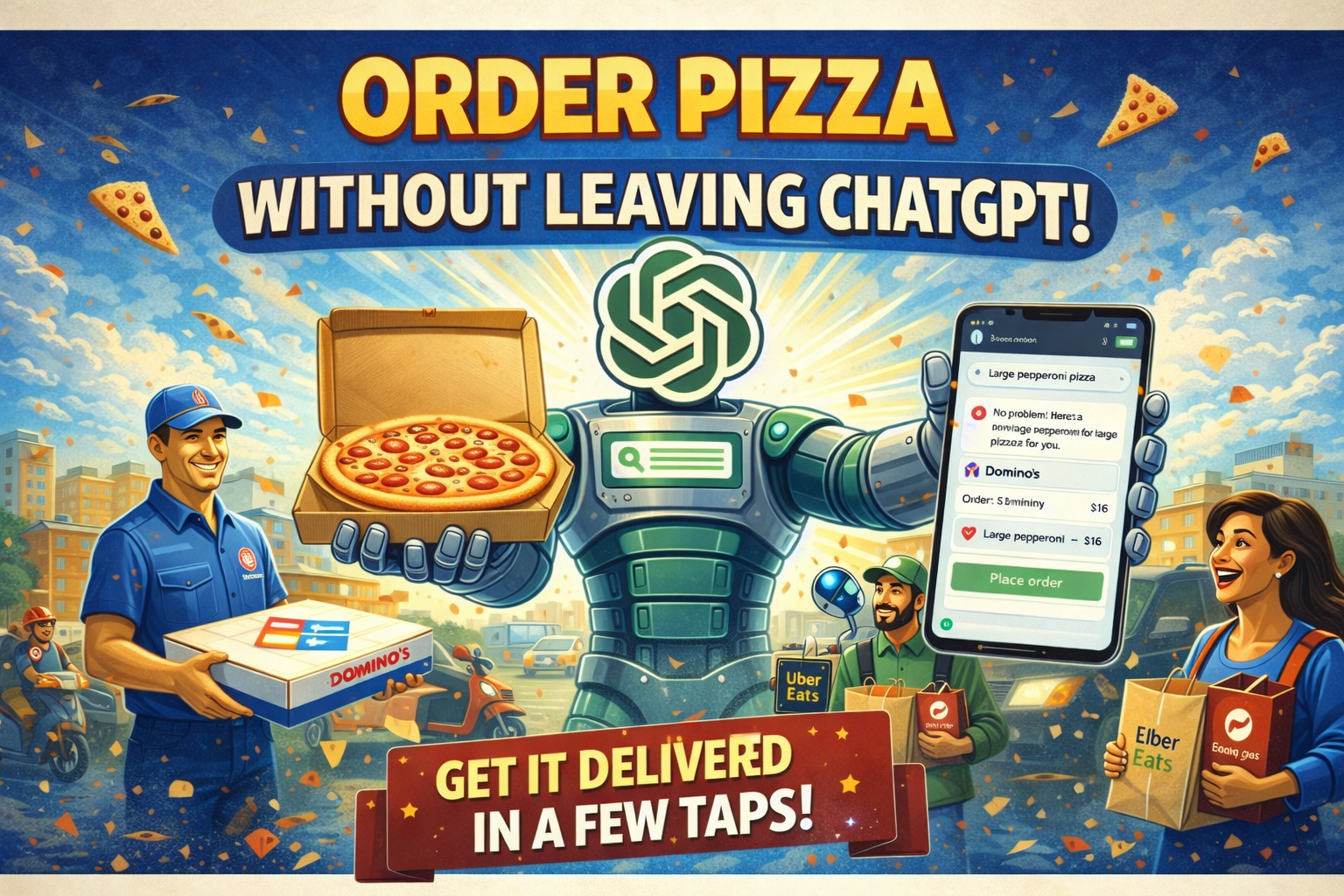
ChatGPT is no longer just a chatbox for answers, web search, or image generation. With the arrival of Apps, it is turning into a storefront for digital services and, increasingly, physical goods, all accessible from a single conversation.
That means you can do things like order food, explore big purchases without leaving the thread, design a poster in tools like Canva or Photoshop, spin up a small project in Replit, or simply complete a purchase through a commerce app, all without switching tabs.
This is the direction of a super app: one front door to the internet, where the chat becomes the interface to everything else. I think ChatGPT has a real shot at pulling this off, and even if the end state takes time, the trend is already here.
What are Apps in ChatGPT?
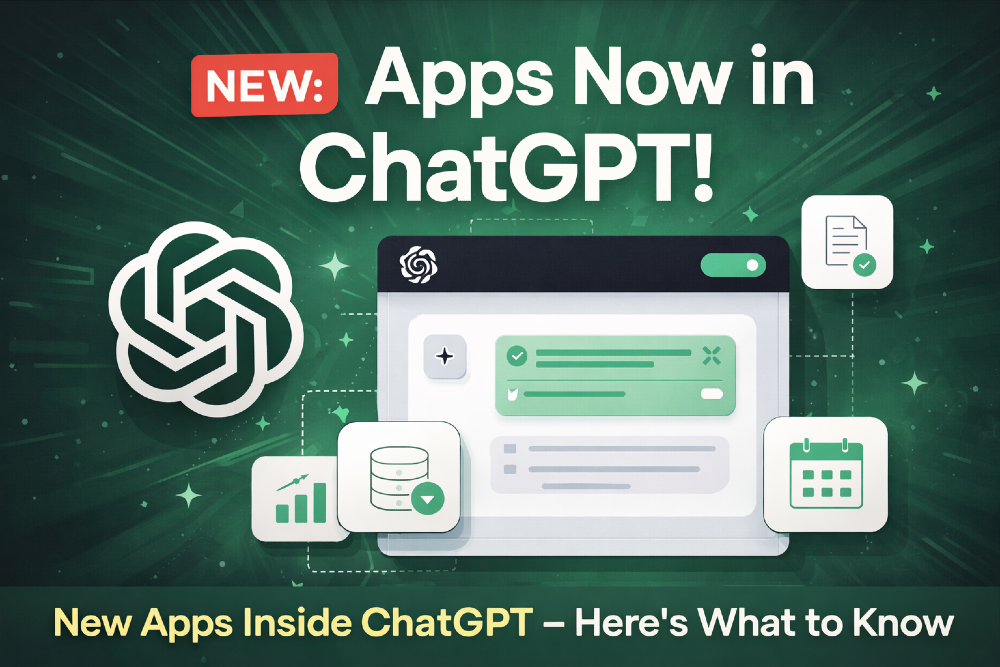
Apps in ChatGPT are still taking shape, but the direction is already clear. When plain chat is not enough, and a generated image is not the right tool either, ChatGPT can switch into something more interactive: an app that lives right inside the conversation.
In practice, it looks like a lightweight UI embedded in the chat. On mobile, you keep simple top controls like close and back. At the bottom, you still have the text box and voice input. And in the middle, the app itself, with clickable elements, previews, forms, and results, so you can actually do the task instead of talking around it. Conceptually, it is close to a web app embedded in the chat, like an iframe style surface that can render interactive experiences.
The potential is huge. In theory, almost any familiar product can be brought into ChatGPT, and used without forcing people to learn yet another interface or bounce between tabs.
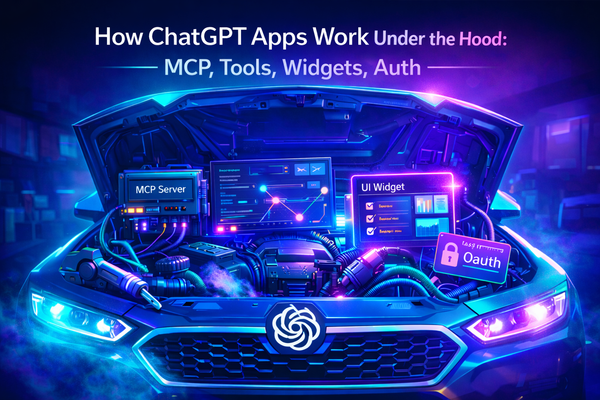
What is even more interesting is the new architecture behind these apps. Developers do not just ship a UI, they also expose a structured way for ChatGPT to control the app. That schema gives the model a map of what actions exist and how to call them, so it can apply the right settings, fill in the right parameters, or complete steps on your behalf. It is early, but this is genuinely new, and it is where Apps start to feel like more than “integrations”.
Meet the first ChatGPT Apps
The first wave of ChatGPT Apps is built around familiar products, which makes the shift feel real: ChatGPT is moving from “answers” to “actions”.
Early examples already show the pattern. Spotify helps you discover music and build playlists from a simple prompt. Canva turns ideas into quick design drafts you can refine. Zillow makes home search more conversational and filtered. Booking.com and Expedia keep trip planning in one thread, so you can iterate on dates, budget, and preferences without bouncing between tabs. Coursera fits the “learning coach” use case, guiding what to study next. Tools like Figma hint at what teams will want: discussing and moving design work forward inside the same workspace.
Want practical work-focused examples? See our first-wave top 10 picks beyond email and chat.
For work, connectors like Google Drive, SharePoint, GitHub, and HubSpot bring real files and context into the chat, so summaries, updates, and drafts are grounded in your actual sources.
Why this matters
For users, this will likely become the new “normal” faster than we expect. Once you can simply tell ChatGPT to do something inside an app, the habit of switching between separate interfaces starts to feel outdated. The experience can also get more personal over time: if the assistant remembers how you usually do things, it can repeat your typical setup and preferences by default, saving you small chunks of time that add up.
For businesses, Apps look like a new channel for distribution, sales, and customer interaction. The companies that show up early inside ChatGPT may get an initial advantage through visibility and habit formation. Later, it becomes a strategy question: how do you compete, how do you keep user trust, and how do you fit into the way ChatGPT recommends and routes intent.
For developers, this is a new way to think about web apps. With MCP-style control layers, an app is not just a UI, it is also a set of actions that the model can understand and execute. It pushes us to design cleaner surfaces, safer operations, and more explicit “control contracts” between the product and the assistant. For me, it already reshaped how I think about building assistants and automation.
For ChatGPT itself, Apps are a major capability expansion. It can already read, write, listen, speak, generate images, browse the web, and follow multi-step workflows. Adding interactive apps may be what turns those skills into something that fits daily life more naturally, the “last mile” where the assistant stops being a tool you visit and starts being a place you work.
How using Apps works in practice
ChatGPT now has an Apps directory with search and a few core sections like Featured, Lifestyle, and Productivity. Each app has its own page with screenshots and a short description, so you can quickly understand what it does before trying it.
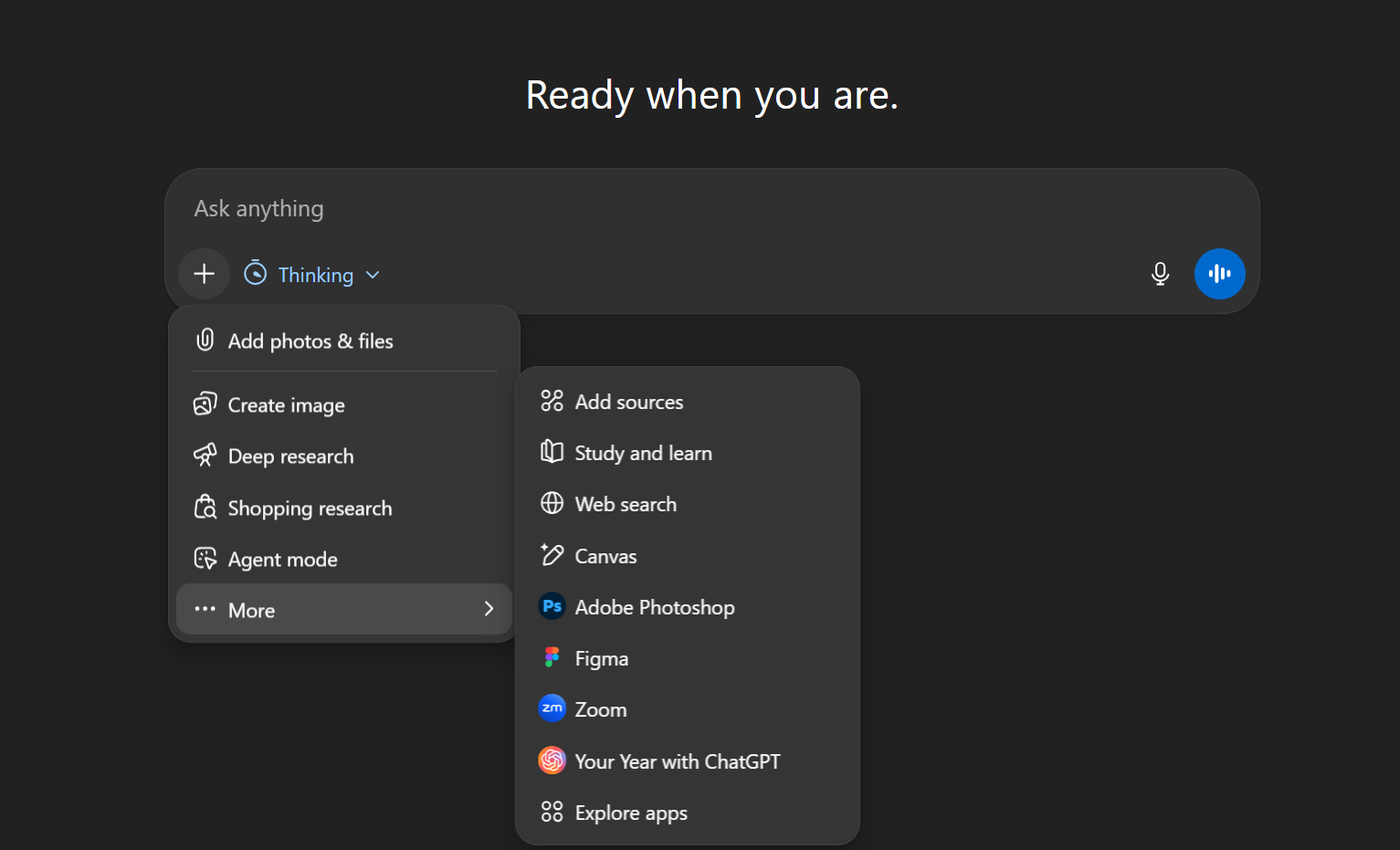
Once you add an app to your list, you can call it when you need it. Depending on the interface, that is either by selecting it from a dedicated menu, or by mentioning it directly in the chat with @ and choosing the app from the suggestions.
One practical tip: be explicit. If you want a task done through a specific app, say so. Otherwise ChatGPT may answer in “chat mode” instead of actually using the app to complete the action.
What you can do with Apps today
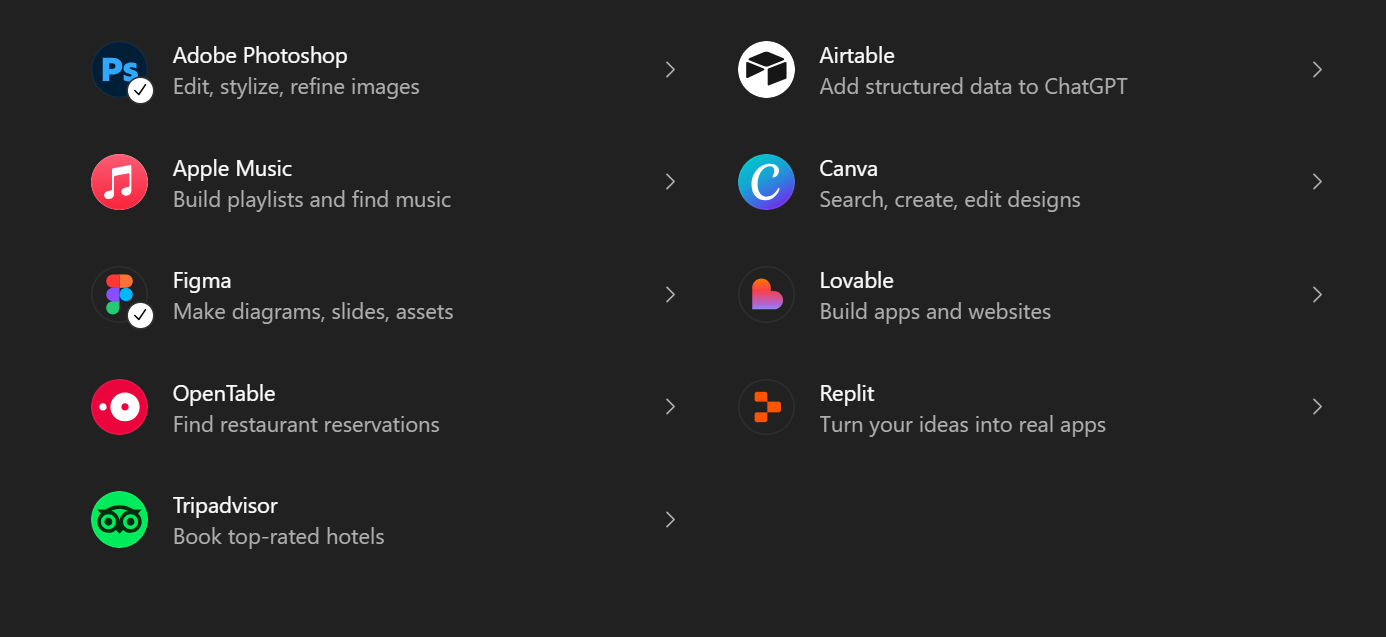
Right now, Lifestyle is still small and simple. Apple Music is for finding music and building playlists from a prompt. TripAdvisor helps you explore places, compare options, and plan what to do nearby. OpenTable is the practical one, finding restaurants and booking a table without leaving the chat.
Productivity is where the catalog already feels serious. You can work with PDFs in Adobe Acrobat, edit or generate visuals in Photoshop, and create quick marketing assets in Canva or Adobe Express. For projects and teams, apps like Asana, Basecamp, Azure Boards, and Atlassian tools help you turn a conversation into tasks, plans, and updates. For files and knowledge, Box and Dropbox make it easier to search, pull context, and reference documents. If you deal with data, Airtable can bring structured tables into the workflow, and Cloudinary covers asset management for images and media. There are also more “business” style apps, like Agentforce for sales workflows, Clay for prospecting, and niche tools for analytics and reporting.
Featured is basically the shortcut list. It surfaces the most popular apps from the categories above, so you do not have to hunt through the catalog.
What this means for developers
For us as developers, Apps in ChatGPT feel like a real platform shift. It is a new distribution channel, but also a new architecture: MCP-style servers and protocols that let our products show up as capabilities inside the chat, not as yet another UI people have to learn first.
That changes the way we build. We can design features as clear, composable actions, with strong guardrails and predictable outputs. Done well, an app can feel effortless to use because the interface is the conversation itself.
The exciting part is what this unlocks. We can ship smaller, focused building blocks, connect them to real services, and create workflows that are genuinely useful. It is early, but it is the kind of shift that makes you want to build something interesting.
How we see the future of ChatGPT Apps
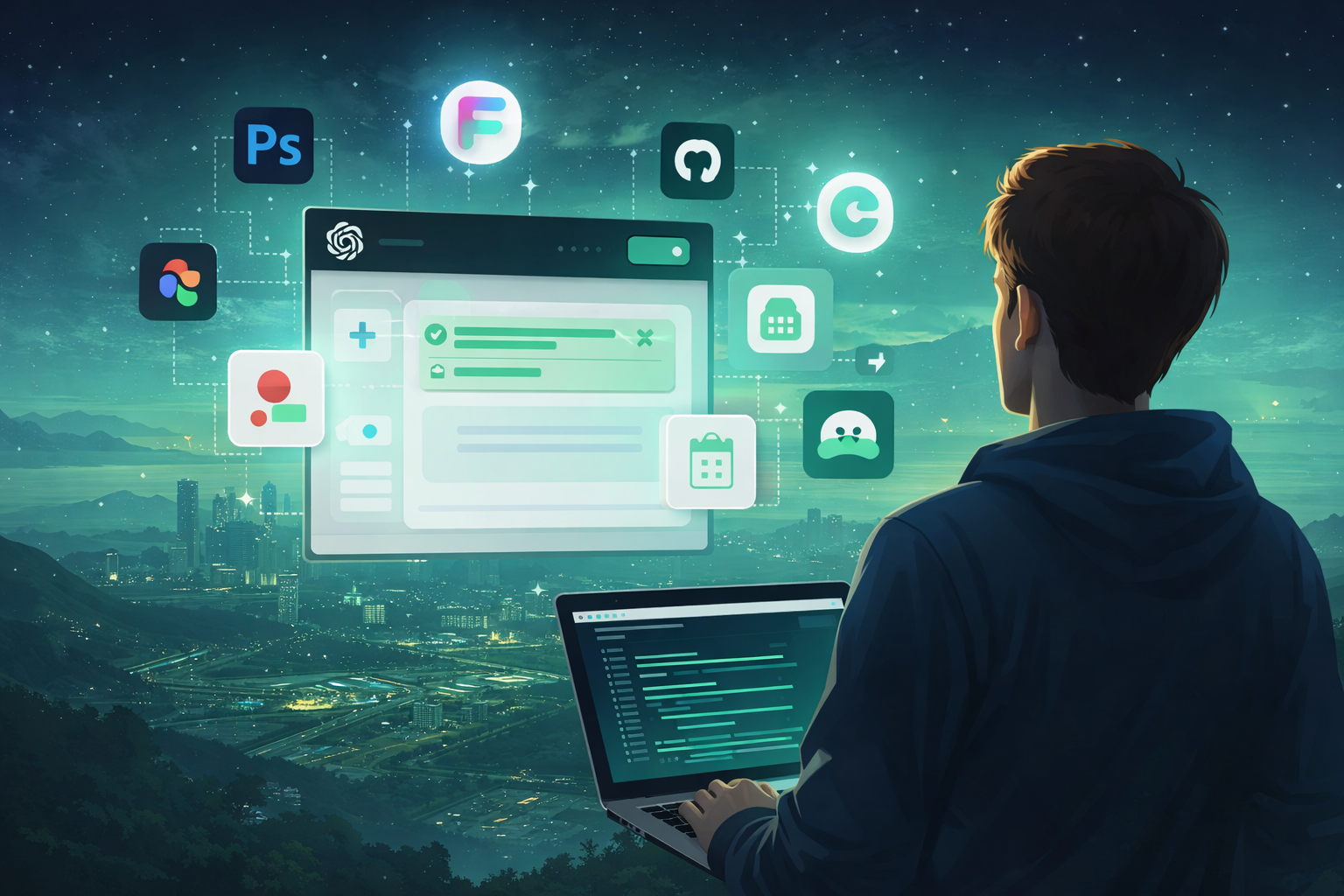
We think Apps are OpenAI’s clearest bet yet: turning ChatGPT into a single front door for work. A kind of super app where you manage other products directly from the chat, without switching tools and interfaces all day.
We also expect voice to become the default input for many workflows. It is simply faster for quick actions and follow-ups, even if we are still figuring out what “working in a café” looks like when half the room is talking to their assistant.
Commerce is the next obvious layer. If chat becomes the interface, then buying becomes a conversation too. A lot of the early infrastructure looks like it is being built to support real transactions, including purchases of physical goods, not just software flows.
And finally, for the ecosystem to really take off, discovery and incentives have to mature. We are hoping for a stronger app recommendation system inside ChatGPT, and clear, meaningful ways for developers to get rewarded when their Apps deliver value.
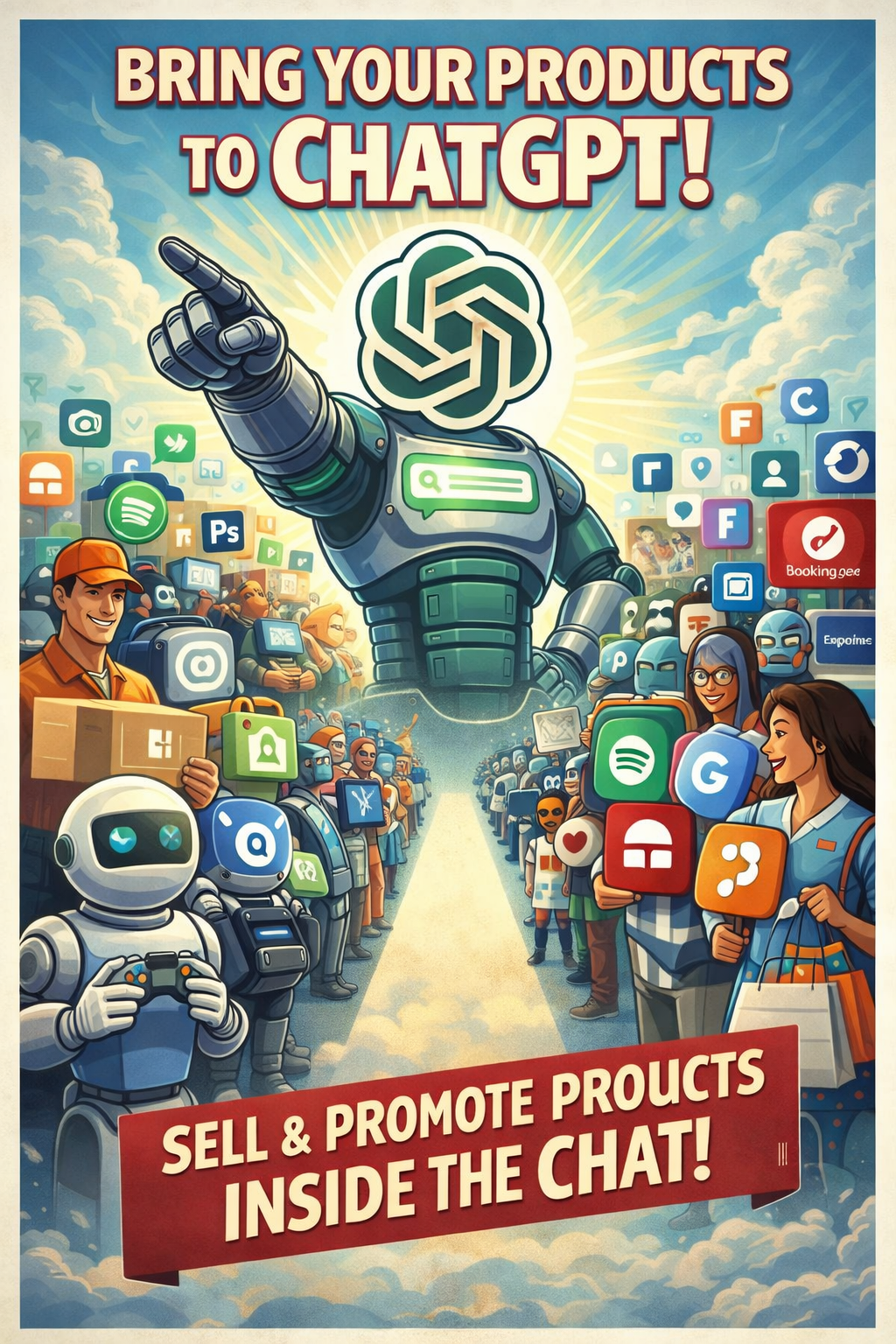
What to expect from apps-in-chatgpt.com
- Market perspective from a builder. I have 15+ years of experience developing apps, and I will track the bigger trends and how this shift changes product distribution, UX, and business models.
- App spotlights that matter. I will review the most interesting ChatGPT Apps, focusing on what they do well, where they break, and who they are actually useful for.
- Updates, without the noise. Short, practical news on new releases, platform changes, and ecosystem moves worth paying attention to.
- Developer notes and opportunities. I will highlight tools, patterns, and “how it works” details, plus interesting solutions for building with the Apps SDK and MCP-style architectures.
If you are already using Apps, I would love to hear what you tried and what surprised you. Send me an app to review or a workflow you want to automate, and I will prioritize the most useful ones in the next posts.